The Best Platforms for Showcasing Your Art Portfolio Online
Why Your Choice of Platform Matters for Artists
The platform you choose to host your art portfolio is not a neutral decision. It shapes how potential clients, galleries, and collaborators perceive your work before they've even looked at a single piece.
A cluttered interface, slow image loading, or a generic layout can undermine even the strongest body of work. Conversely, a well-chosen platform signals professionalism and makes it easier for the right people to find you. For a freelance artist or independent creator, that difference can translate directly into commissions and opportunities.
Platform choice also affects your SEO visibility as an artist. Some platforms have strong domain authority and built-in discoverability tools. Others are essentially walled gardens where your work lives but rarely surfaces in search results. Knowing the difference matters from day one.
What to Look for in an Art Portfolio Platform
The best art portfolio platform for you depends on five core criteria: image quality, customization flexibility, ease of use, pricing, and domain options. Evaluate each honestly against your actual goals.
- Image display quality: This is non-negotiable. Your work must render at full resolution without compression artifacts. Platforms that aggressively compress uploads are a hard pass for illustrators, photographers, and fine artists alike.
- Portfolio customization: Can you control layout, color palette, and typography? A platform that forces a one-size-fits-all template may not reflect your visual identity.
- Ease of use: You're an artist, not a web developer. The platform should let you focus on curation, not configuration.
- Custom domain support: Having your own domain (yourname.com rather than yourname.platform.com) is a basic credibility signal for professional work.
- Pricing structure: Free tiers exist, but they often come with trade-offs — ads, limited storage, or restricted features. Know what you're giving up before committing.
One thing worth flagging: don't evaluate platforms based solely on their feature lists. How those features feel in practice — especially when uploading and arranging work — matters just as much.
Best Platforms for Professional Presentation and Client Work
If your primary goal is attracting clients, commissions, or gallery interest, you need a platform that prioritizes clean presentation and custom branding over social features.
Format.com and Carbonmade are built specifically for creative professionals who want their work to speak without distraction. Both offer polished templates, strong image rendering, and custom domain support. Format also includes basic client-proofing tools, which is useful if you do commercial illustration or photography.
Adobe Portfolio is worth considering if you're already in the Creative Cloud ecosystem. It integrates directly with Lightroom and Behance, builds clean responsive sites, and is included in most Creative Cloud subscriptions — meaning the cost is effectively zero if you're already paying for Adobe tools.
For fine artists and painters, Artfol and dedicated gallery-style platforms offer layouts that mimic the white-wall aesthetic of physical exhibition spaces. That context matters: a collector browsing your work should feel like they're in a gallery, not scrolling a social feed.
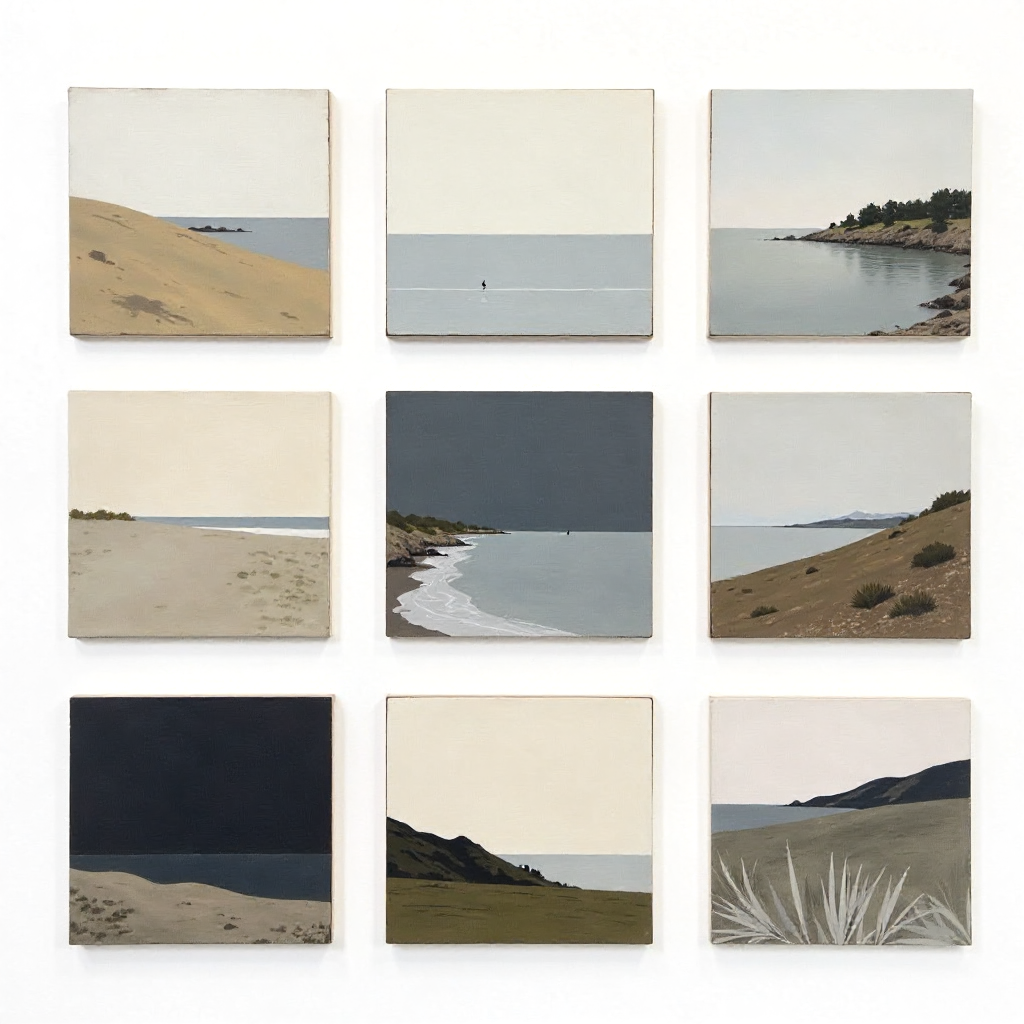
The trade-off with professional-presentation platforms is discoverability. Most don't have built-in communities or explore features. You'll need to drive traffic yourself through social channels or SEO — which is manageable, but worth planning for.
Best Platforms for Community, Discovery, and Creative Exposure
Community-driven platforms trade polished presentation for organic reach. If you're building an audience, seeking feedback, or want your work discovered by other creatives, these are where the action is.
ArtStation remains the dominant platform for concept artists, game artists, and illustrators working in entertainment industries. Its algorithm surfaces work to a relevant professional audience, and having a strong ArtStation presence is practically expected in animation, games, and film production pipelines. The platform's image quality is excellent, and the community feedback loop is genuine.
Behance, owned by Adobe, operates similarly but skews toward graphic design, branding, and motion work. Projects on Behance can rank in Google search results, which gives your artist profile meaningful SEO visibility beyond the platform itself.
DeviantArt has a massive, long-established creative community with particular strength in fan art, character design, and digital illustration. It's less prestigious than ArtStation in professional circles but drives genuine engagement and has introduced commission tools in recent years.
Instagram remains relevant for social sharing and discoverability, especially for illustrators and surface pattern designers, though it functions more as a discovery channel than a true portfolio platform. Use it to drive traffic to a more controlled portfolio destination.
Free vs. Paid Plans — What Do You Actually Need?
Free tiers are sufficient for artists just starting out or testing a platform before committing. Paid plans become worth it when you're actively seeking clients or want full control over your presentation.
Here's a practical way to think about it: if someone is paying you for your work, your portfolio should be on a paid plan. The cost of most portfolio platforms — typically $8 to $20 per month — is trivial compared to a single commission. Showing up with a free plan that has the platform's branding in your URL sends the wrong signal to professional clients.
That said, free plans on ArtStation, Behance, and Adobe Portfolio offer genuine value for community exposure and SEO without any financial commitment. Many working artists maintain a free community profile on ArtStation alongside a paid custom-domain portfolio elsewhere — a combination that covers both discoverability and professionalism.
Watch for these common free-tier limitations:
- Storage caps that force you to delete older work
- Platform ads displayed on your portfolio page
- No custom domain (you're stuck with a subdomain)
- Limited analytics — you can't see who's visiting or where they came from
Tips for Making Any Portfolio Platform Work Harder for You
The platform is the vehicle, but how you use it determines the results. A few practices apply regardless of which platform you choose.
Curate ruthlessly. Fifteen strong pieces beat forty average ones every time. Clients and gallery directors form impressions fast. Your weakest work sets the floor of how people perceive you, so keep it off the portfolio entirely.
Write descriptions that do actual work. Most artists leave project descriptions blank or write a single vague sentence. A brief, specific description — the brief, your process, the medium, the client context — adds professional depth and feeds the platform's search indexing. It's one of the easiest SEO wins available to you.
Your artist profile bio should answer three questions in two sentences: who you are, what kind of work you do, and who you do it for. "Illustrator specializing in editorial and publishing work, based in Berlin" is more useful than "I love creating art and telling stories through images."
On the technical side, name your image files descriptively before uploading ("editorial-illustration-magazine-cover.jpg" rather than "IMG_4832.jpg"). Many platforms use file metadata in their search indexing, and this small habit compounds over time.
Finally, keep your contact path short. If a potential client has to dig through three pages to find your email or commission inquiry form, you're losing work. Make client inquiries effortless.
Choosing the Right Platform for Your Art Style and Goals
The right platform depends on what you're optimizing for: professional credibility, community growth, or both. Match your choice to your actual situation rather than defaulting to whatever platform is most popular in your social circle.
- Concept artists, game artists, and entertainment illustrators: ArtStation is the industry standard. Start there, then consider a custom portfolio site as your career develops.
- Graphic designers and motion artists: Behance offers strong SEO visibility and is taken seriously by agencies and studios. Adobe Portfolio pairs well if you're in the Creative Cloud ecosystem.
- Fine artists and painters: Prioritize platforms with gallery-style layouts and custom domain support. Format.com or a dedicated artist website builder will serve you better than community platforms built around digital art.
- Illustrators seeking freelance clients: A custom-domain portfolio (Format, Carbonmade, or a similar tool) combined with an active Behance or Instagram presence gives you both credibility and discoverability.
- Photographers: Image quality and layout control are paramount. Look specifically at platforms with strong photo-first templates and high-resolution display support.
There's no single answer, and using more than one platform strategically is common practice. The key is being intentional: each platform you maintain should serve a clear purpose, whether that's client acquisition, community engagement, or search visibility.
Frequently Asked Questions
Can I use more than one art portfolio platform at the same time?
Yes, and many professional artists do. A common approach is maintaining a polished custom-domain portfolio for client work while keeping an active profile on a community platform like ArtStation or Behance for discoverability. Just make sure each platform stays updated — an outdated portfolio can work against you.
Do I need a custom domain for my art portfolio?
For professional client work, yes. A custom domain (yourname.com) signals that you take your practice seriously and makes your contact details easier to remember and share. For community platforms focused on exposure, a custom domain matters less.
Which platforms are best for selling art directly alongside showcasing it?
Platforms like Society6, Redbubble, and Etsy are built for selling. If you want to combine portfolio presentation with direct sales, some portfolio builders (like Format) include basic e-commerce features. ArtStation also has a print-on-demand marketplace integrated into artist profiles.
How many pieces should I include in my online art portfolio?
Between 12 and 20 pieces is a practical range for most professional portfolios. Enough to show range and consistency, not so many that the impact gets diluted. For specialized niches, fewer but more targeted pieces often perform better than a broad collection.
Is it important for an art portfolio platform to have built-in SEO features?
It depends on your traffic strategy. If you're relying on organic search to bring clients to you, SEO features — editable page titles, meta descriptions, image alt text — matter significantly. Behance and Adobe Portfolio both index well in Google. If you're driving traffic from social media or direct outreach, built-in SEO is less critical, though still worth having.